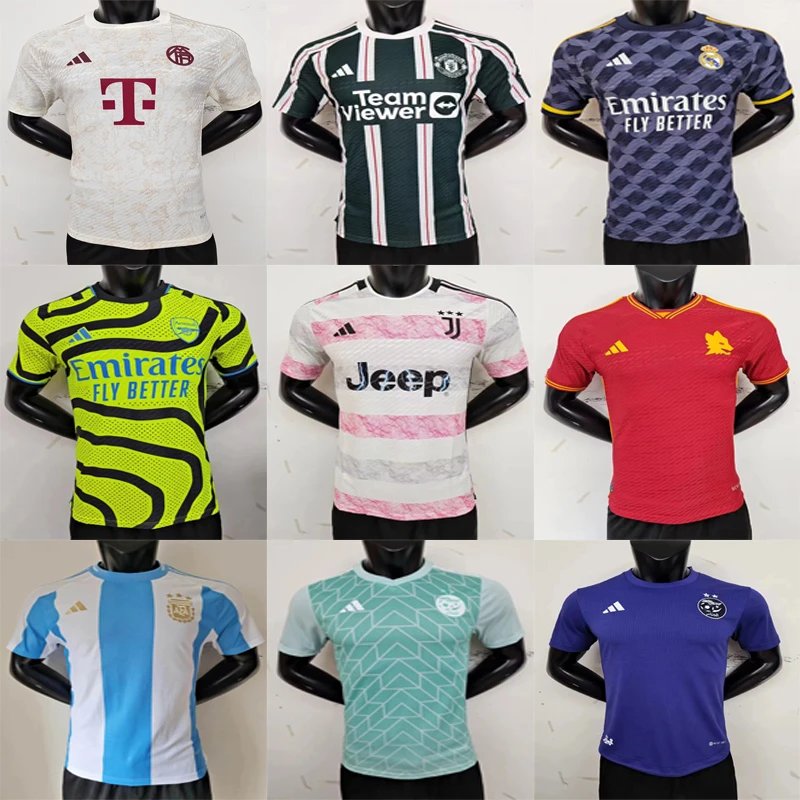
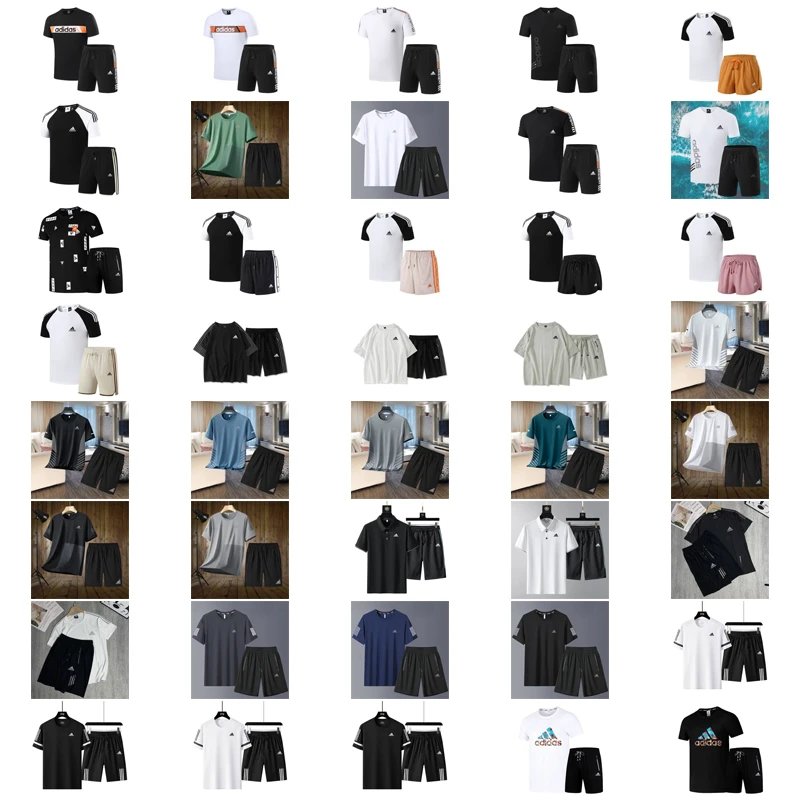
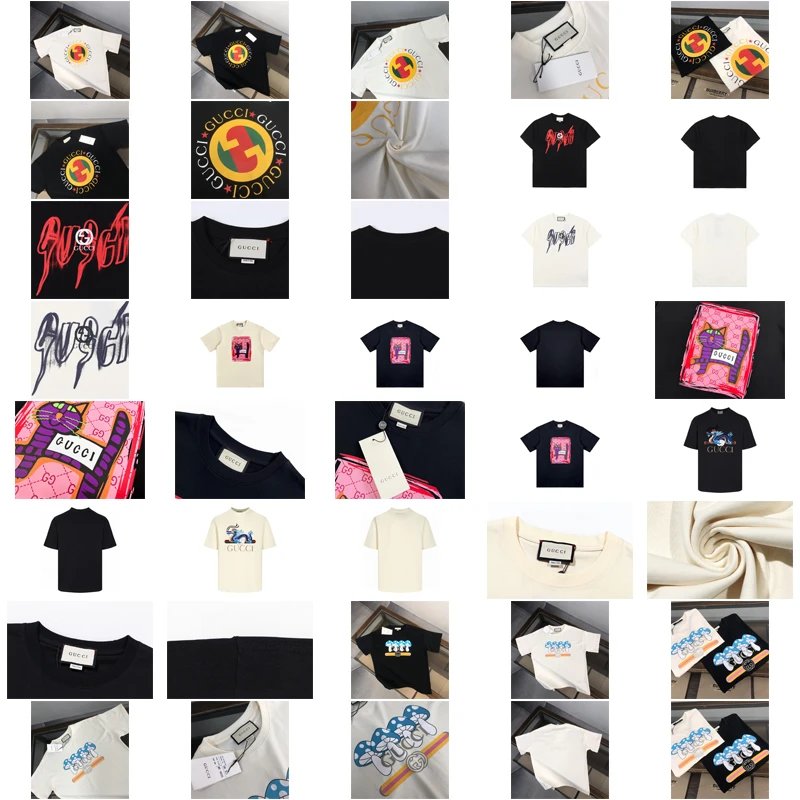
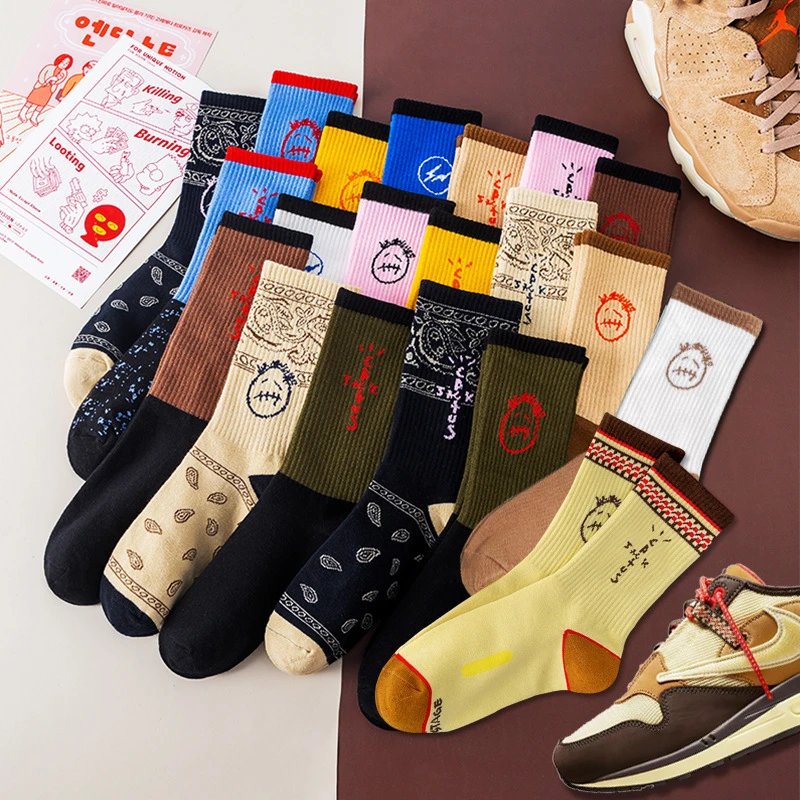
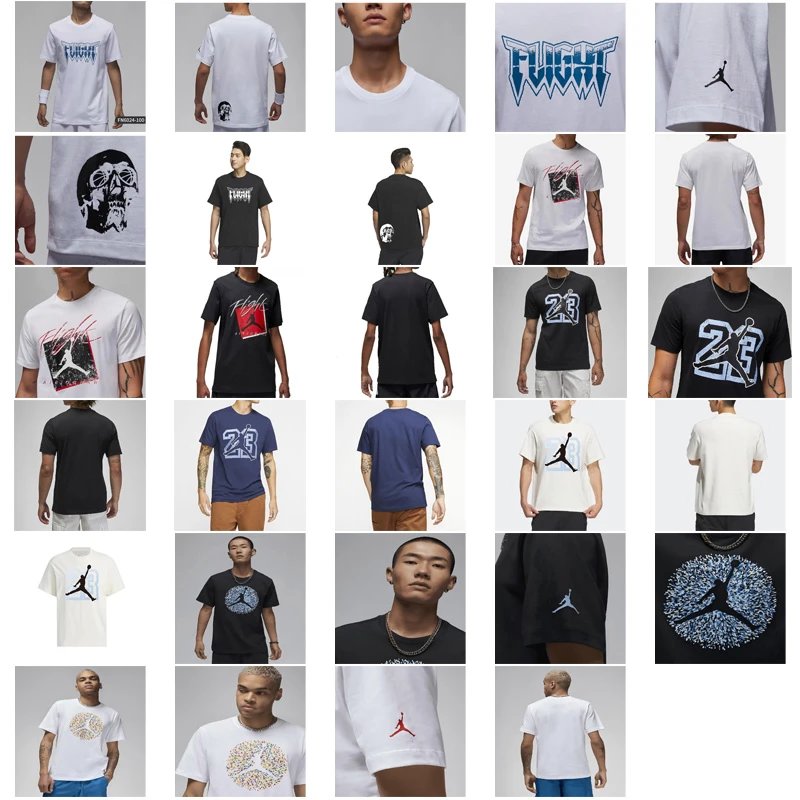
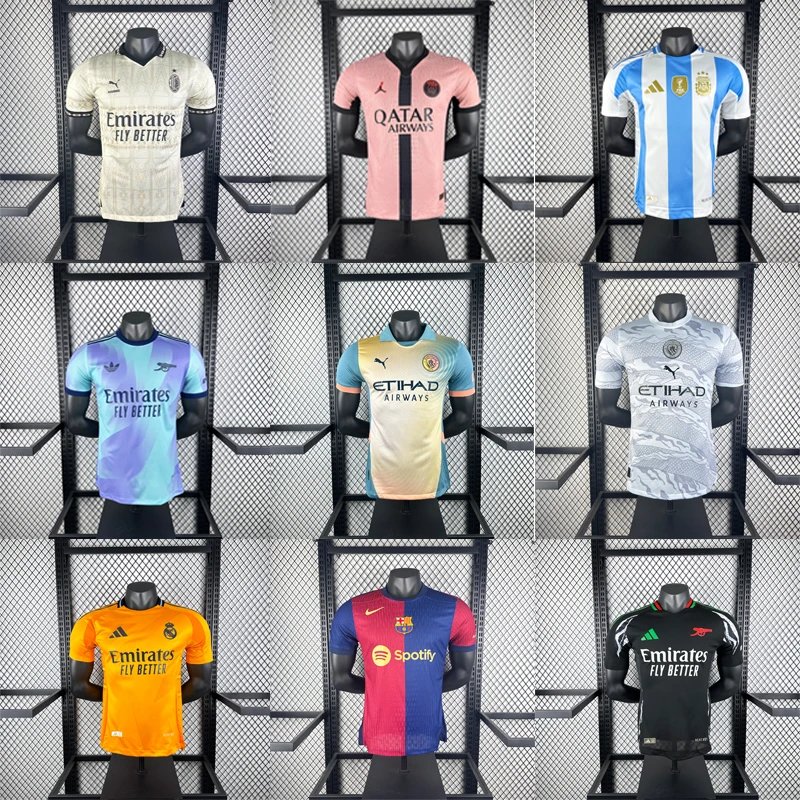
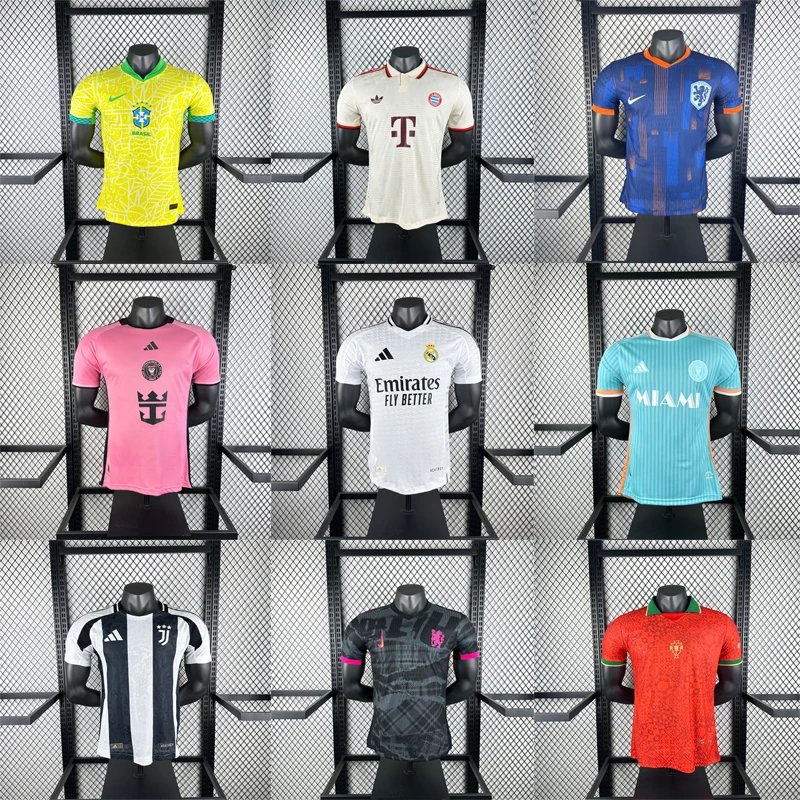
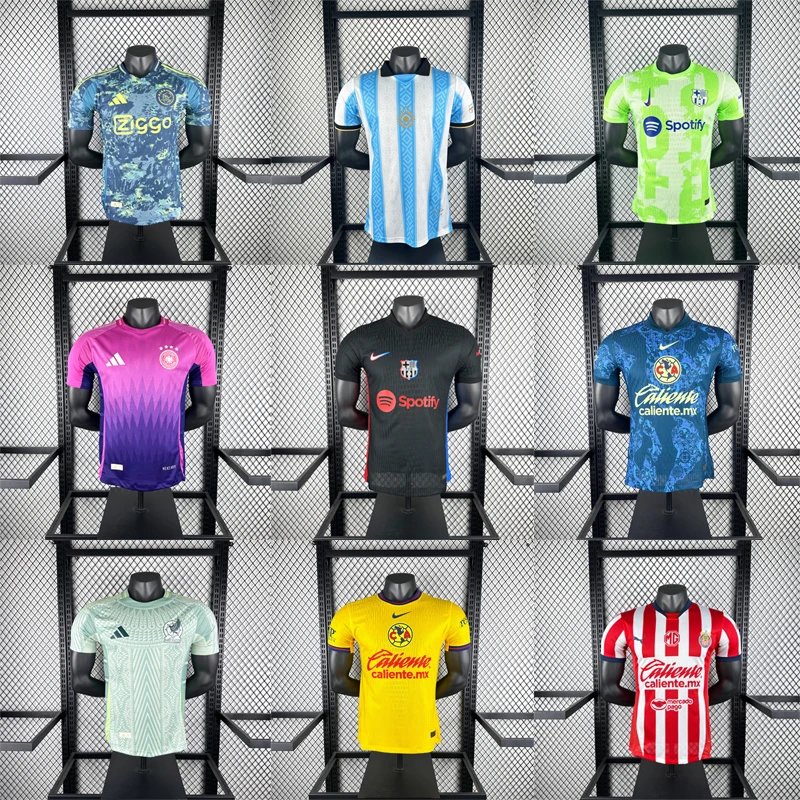
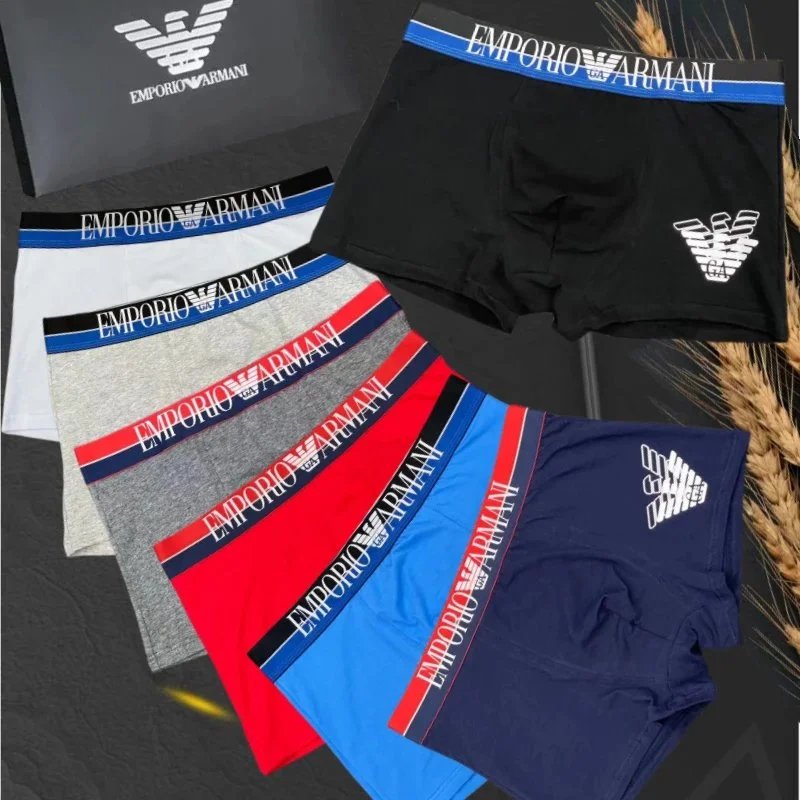
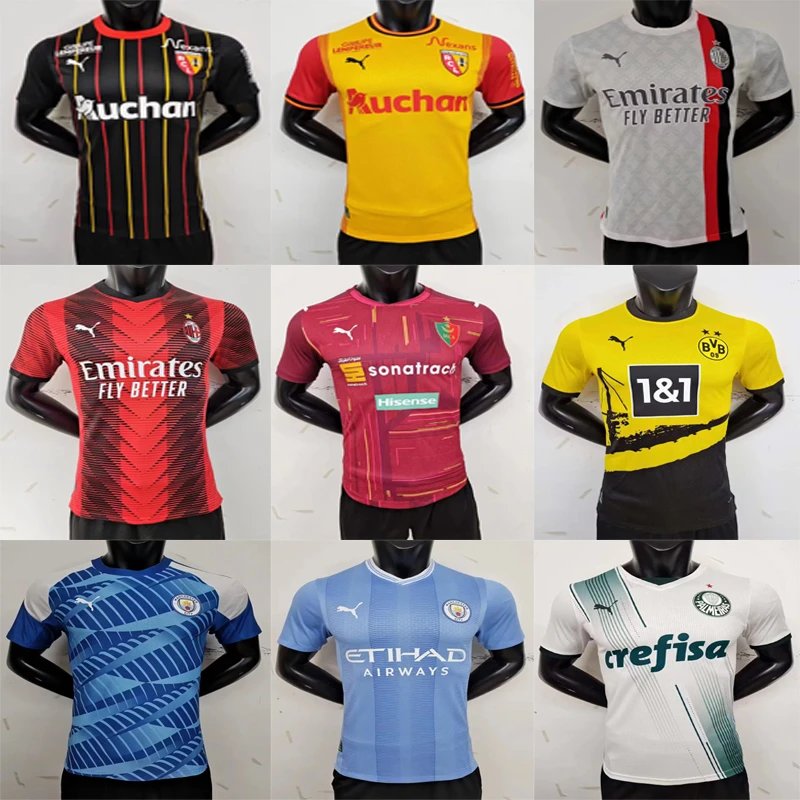
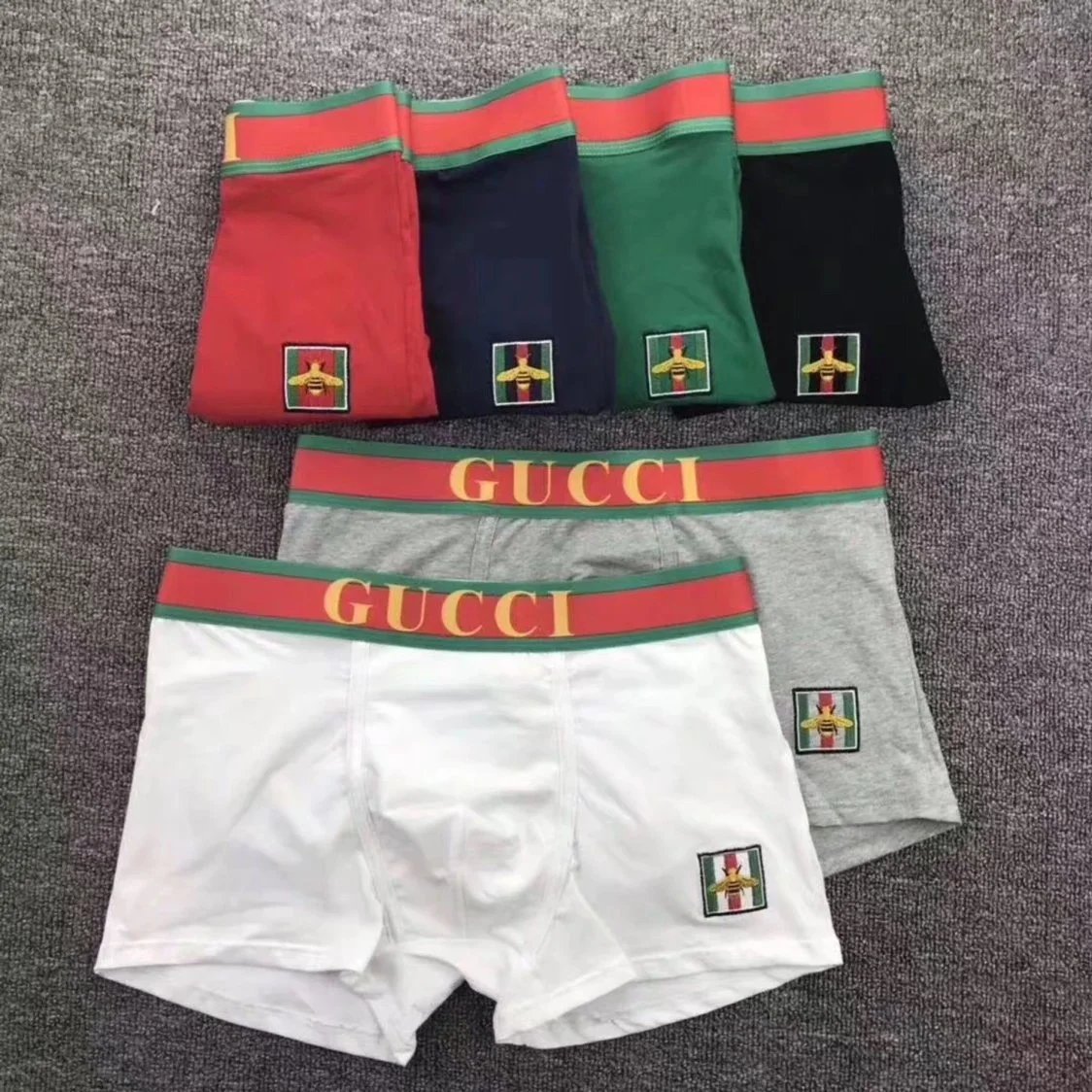
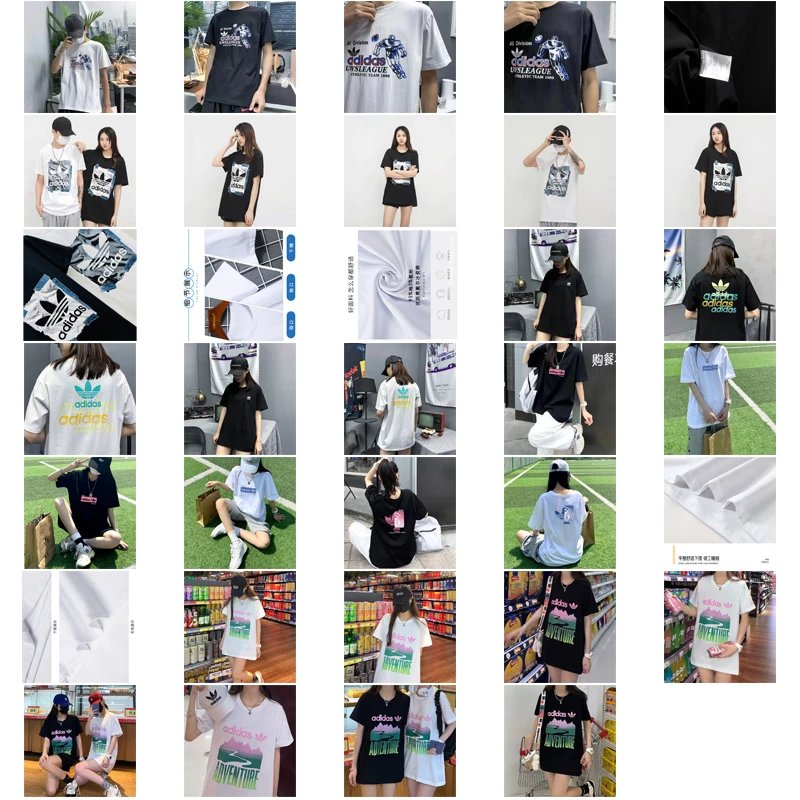
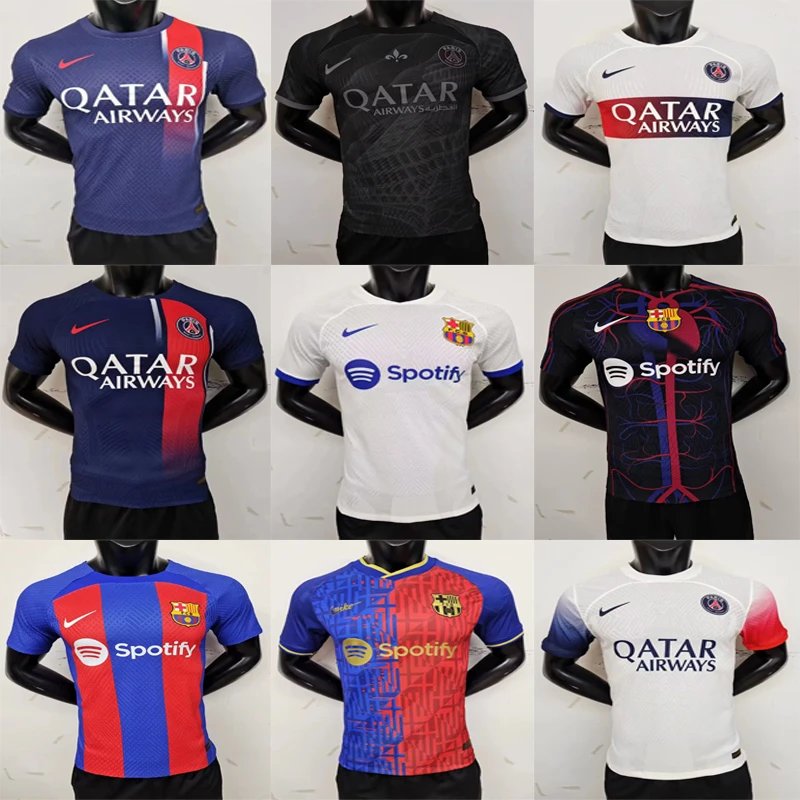
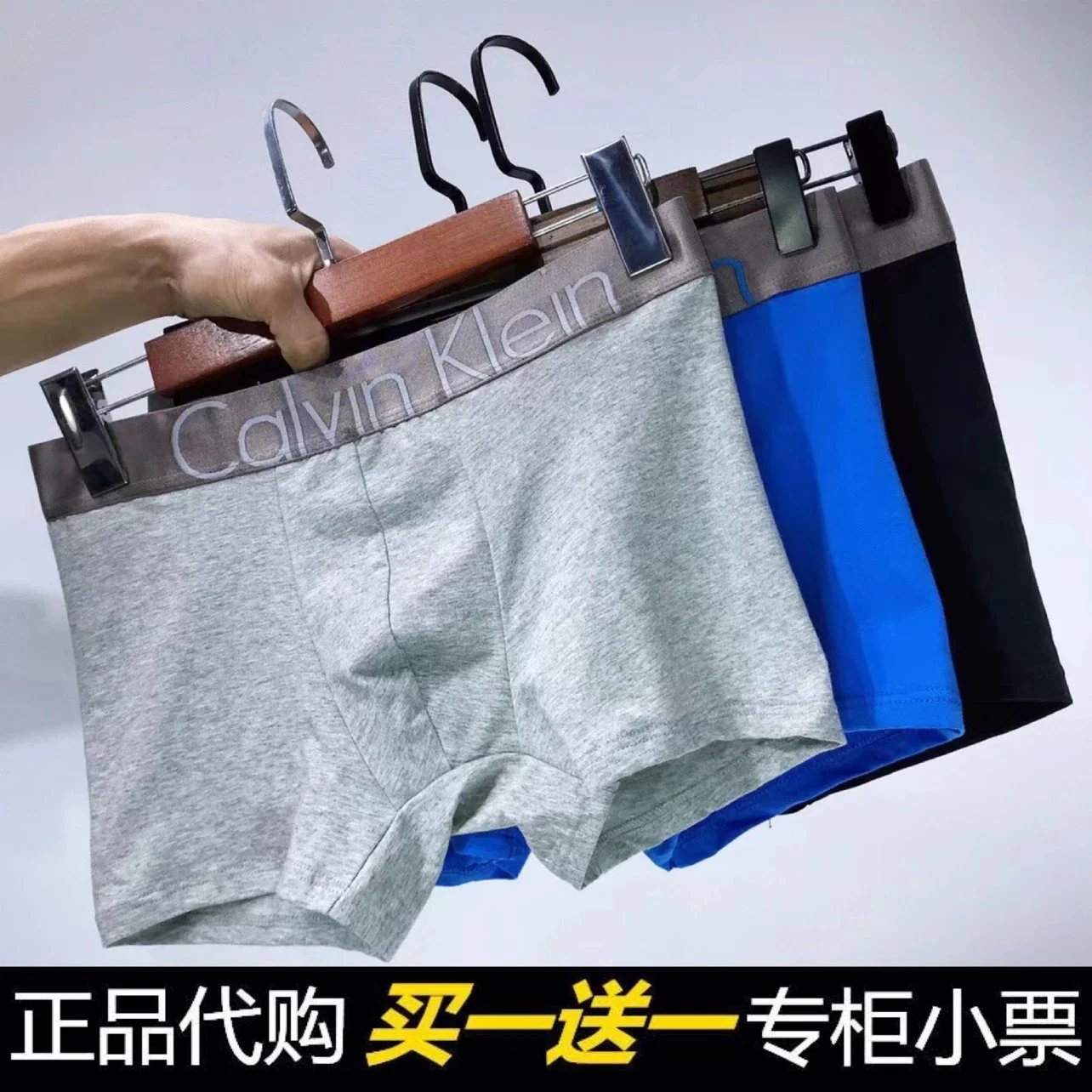
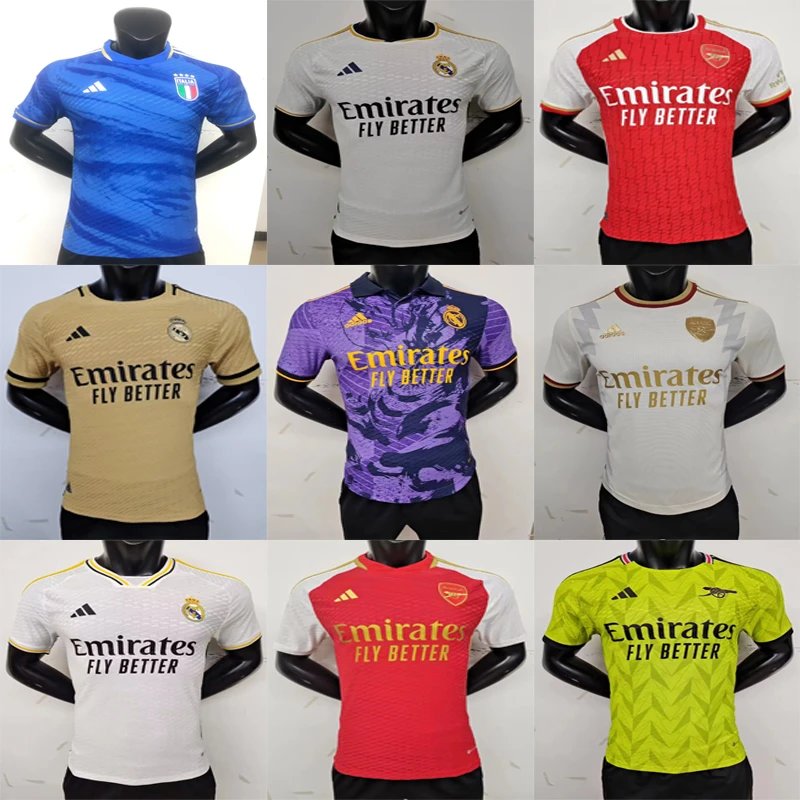
Share your finds, help the community, and get recognized for your great taste!
At Kakobuy, we believe sharing knowledge empowers everyone.Kakobuy FindsDiscord channels, giving you the spotlight you deserve!
The Step-by-Step Guide to Posting Your Haul
Step 1: Capture & Prepare Your Haul Photos
Good photos are key! Follow these tips:
- Use natural light
- Take photos of items individuallyfull haul spread.
- Include close-ups
- Show fit photosin-context shots
Step 2: Create Your Review Spreadsheet (The Community Hero Move!)
A structured spreadsheet is incredibly valuable. Here’s what to include:
| Column | What to Include |
|---|---|
| Item/Link | Original product link or name. |
| Price Paid | Cost in USD, RMB, or your local currency. |
| Size / Specs | Chosen size, color, or product variant. |
| Rating (1-5) | Your personal rating for the item. |
| Detailed Review | Fit, quality, accuracy vs. photos, shipping time. |
| Photos Link | Direct link to your uploaded images. |
Upload your spreadsheet to a platform like Google Sheets and ensure the link is set to "Anyone with the link can view."
Step 3: Post on the Kakobuy Platform
- Go to the "Community""Reviews"
- Click "Create New Review""Post Haul."
- Upload your best haul photo
- Write a compelling title
- In the description:
- Give an overall haul experience
- Paste the link to your spreadsheet
- Mention any standout items or sellers.
- Paste the link to your spreadsheet
- Add the #HaulReview
- Hit "Submit"!
How to Get Featured by Kakobuy
Our team actively looks for outstanding reviews to feature in Kakobuy FindsDiscord community channels. Here’s what we look for:
★ Feature-Worthy Criteria ★
- High-Quality Photos:
- Detailed Spreadsheet:
- Helpful & Honest Writing:
- Unique Finds:
- Community Engagement:
- Detailed Spreadsheet:
Pro Tips for Maximum Visibility:
- Share your review link in the relevant #haul-showcase
- Engage with other community members' reviews—feedback is a two-way street!
- Consistently post reviews. Regular contributors are more likely to be noticed.
If your review is featured, you’ll receive a notification and a special badge on your profile!